
SSH
Installs Keychain for persistent SSH key loading across shell sessions, and manages ~/.ssh/config host aliases.
Demo
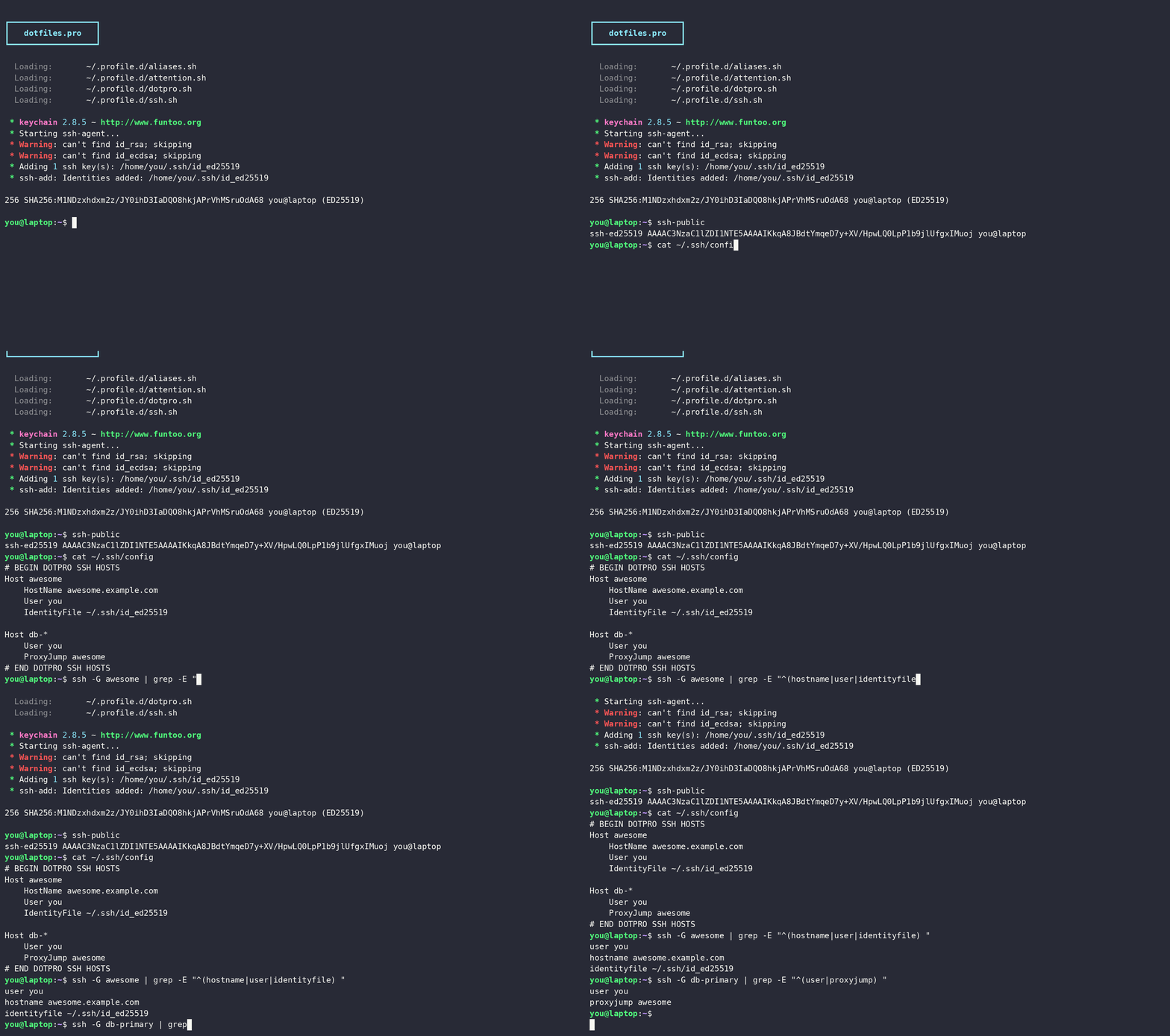
What it does
- Installs
keychainvia apt (Homebrew on macOS) - Registers
keychainin~/.versions.d/soversionsreports its version - Drops a
~/.profile.d/ssh.shscript that loads configured SSH keys on login - Writes the
ssh_hostsaliases into a managed block at the top of~/.ssh/config - Shell aliases for printing SSH keys
Variables
| Variable | Default | Description |
|---|---|---|
ssh_keychain_keys | [id_rsa, id_ecdsa, id_ed25519] | List of key filenames to load via Keychain |
ssh_hosts | [] | Host stanzas written to ~/.ssh/config (each {host, options}) |
Examples
Load a specific set of keys (the list replaces the defaults):
ssh_keychain_keys:        # default: [id_rsa, id_ecdsa, id_ed25519]
  - id_ed25519
  - work_ed25519
Host aliases
ssh_hosts writes Host stanzas into a managed block at the top of ~/.ssh/config, so ssh awesome connects without remembering the hostname, user, or key. Each entry is a host (one alias or a space-separated pattern) and an options map of any ssh_config keywords:
ssh_hosts:                 # default: []
  - host: awesome
    options:
      HostName: awesome.example.com
      User: ada
      IdentityFile: ~/.ssh/id_ed25519
  - host: "db-*"
    options:
      User: ops
      ProxyJump: awesome
The role manages only its own block, between # BEGIN DOTPRO SSH HOSTS and # END DOTPRO SSH HOSTS, and leaves the rest of ~/.ssh/config alone, so your hand-written hosts and any Host * defaults stay in place. The block sits at the top of the file so its matches win. Emptying ssh_hosts later leaves the existing block where it is rather than removing it.
Aliases
| Alias | Command | Description |
|---|---|---|
ssh-public | cat ~/.ssh/id_ed25519.pub | Print the public key |
ssh-private | cat ~/.ssh/id_ed25519 | Print the private key |
Troubleshooting
A key isn't loaded
~/.profile.d/ssh.sh runs keychain at login for the files in ssh_keychain_keys, and names that don't exist under ~/.ssh/ are skipped silently. If a key isn't loaded, confirm its filename is in ssh_keychain_keys and start a fresh login shell (a non-login shell never sources ~/.profile.d).
Keychain prompts for the passphrase once and keeps the agent alive across sessions, so a later "agent has no identities" usually means the host rebooted; open a new login shell to reload.